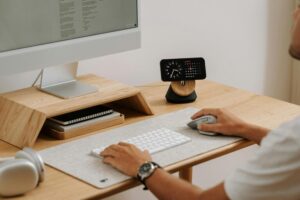
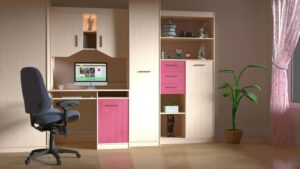

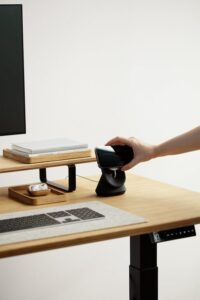
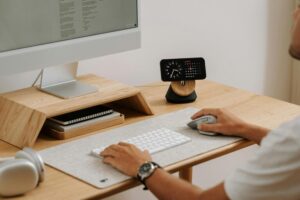
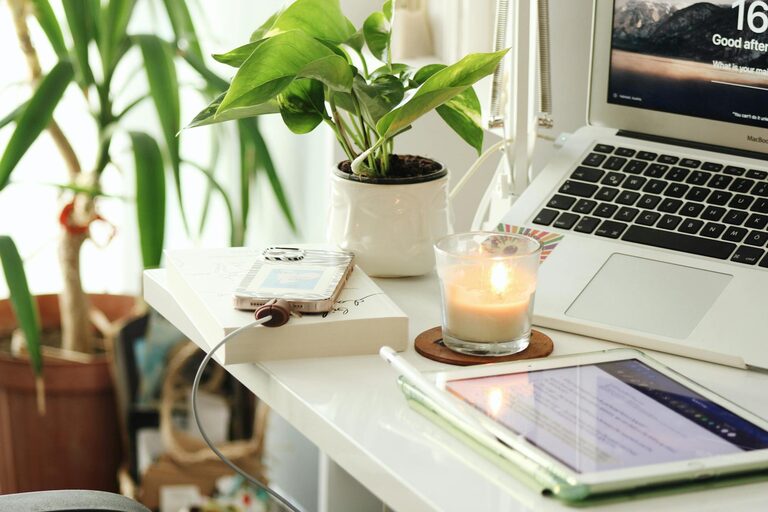
Creating a productive home office space is essential for anyone working remotely or managing tasks from home. A well-organized, comfortable workspace can improve your focus, reduce distractions, and make your workday more enjoyable. Whether you have a dedicated room or just a small corner, these tips will help you design a space that encourages productivity.
1. Choose the Right Location
Finding the best spot for your home office sets the foundation for productivity.
– Quiet and Away from Distractions: Pick a location with minimal noise and foot traffic to help maintain concentration.
– Natural Light: Position your desk near a window if possible. Natural light boosts mood and alertness.
– Privacy: If you share your home, find a spot where you can have some privacy during work hours.
2. Invest in Comfortable and Functional Furniture
Comfortable furniture reduces strain and helps you stay focused for longer periods.
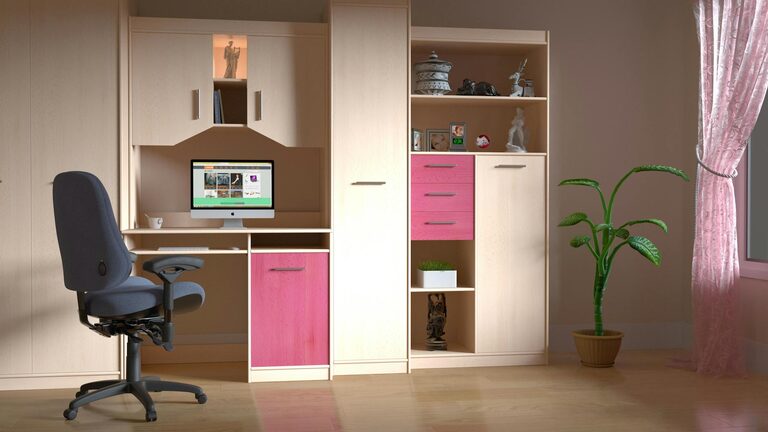
– Ergonomic Chair: Choose a chair that supports your lower back and encourages good posture.
– Desk Space: Your desk should be spacious enough to accommodate your computer, paperwork, and other essentials without clutter.
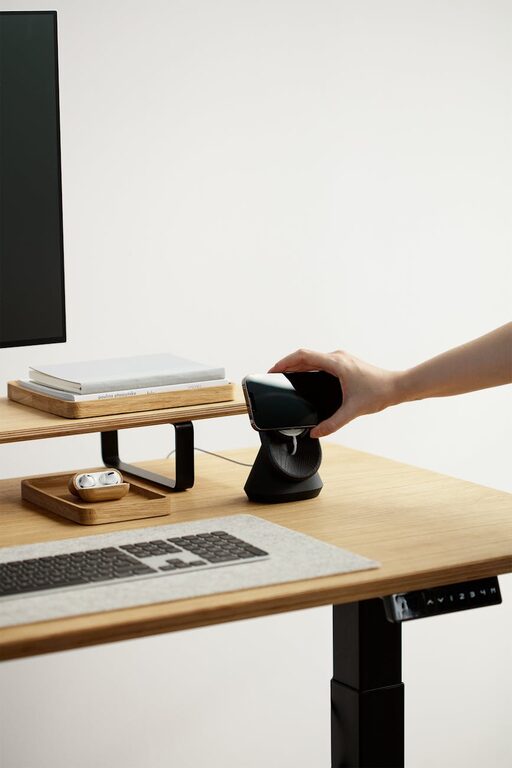
– Adjustable Furniture: Consider sit-stand desks or adjustable chairs to alternate your posture and avoid fatigue.
3. Organize Your Workspace Efficiently
An organized environment minimizes distractions and makes it easier to find what you need.
– Use Storage Solutions: Shelves, drawers, and organizers keep supplies tidy.
– Cable Management: Use clips or sleeves to keep cords under control and off your desk.
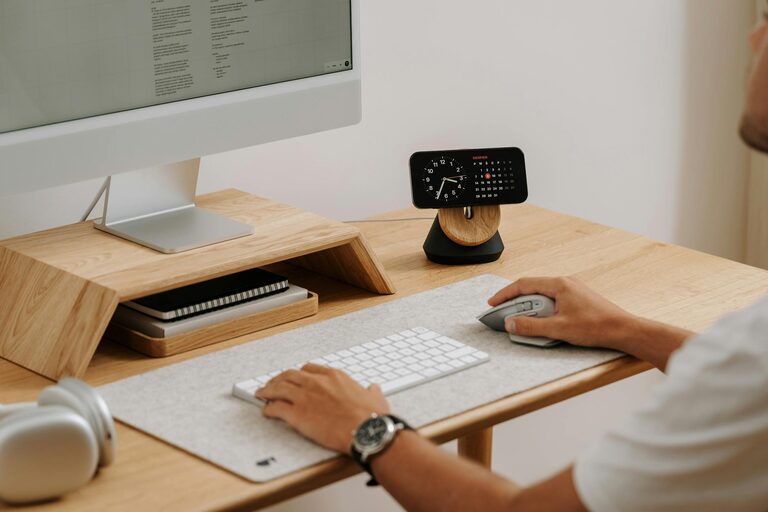
– Minimalism: Keep only essential items on your desk to maintain a clean and clear surface.
4. Optimize Lighting
Good lighting reduces eye strain and improves productivity.
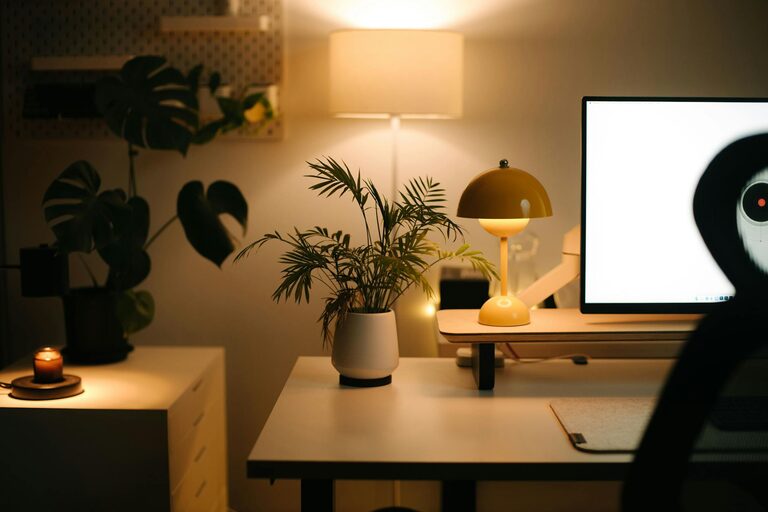
– Combine Natural and Artificial Light: Work during daylight hours if possible, supported by adjustable desk lamps.
– Avoid Glare: Position screens to avoid reflections from windows or lights.
– Warm Lighting: Use bulbs that produce a warm, white light rather than harsh fluorescents.
5. Personalize Your Space
Adding personal touches makes your workspace inviting and motivating.
– Decorate Thoughtfully: Include plants, artwork, or inspirational quotes to make the area comfortable.
– Color Choices: Choose colors that inspire calm or focus, like soft blues, greens, or neutral tones.
– Keep It Professional: While personalization is good, avoid clutter or distractions.
6. Establish Clear Boundaries
Separating work from home life helps maintain a healthy balance.
– Set Work Hours: Define when your workday starts and ends.
– Use Physical Dividers: If your office is part of a shared space, use room dividers or screens.
– Create a Routine: Build rituals that signal the beginning and end of work, like turning on a desk lamp or closing a laptop.
7. Stay Connected and Minimize Interruptions
Keeping in touch with colleagues and reducing distractions helps maintain efficiency.
– Reliable Internet: Ensure your connection is stable to avoid frustrations during calls or tasks.
– Communication Tools: Use video conferencing and messaging platforms to stay connected.
– Inform Others: Let family or roommates know your work schedule to minimize interruptions.
8. Maintain Good Air Quality and Temperature
Comfort affects your ability to focus and stay energized.
– Ventilation: Open windows regularly to let fresh air in.
– Temperature Control: Keep the room at a comfortable temperature, neither too hot nor too cold.
– Air Purifiers: Consider devices if your home environment requires improved air quality.
9. Take Breaks and Move
Regular breaks prevent burnout and maintain productivity throughout the day.
– Set Timers: Use techniques like the Pomodoro method to alternate focused work and breaks.
– Stretch or Walk: Stand up, stretch, or take short walks to improve circulation.
– Hydrate and Snack: Keep water and healthy snacks nearby to stay energized.
10. Regularly Review and Improve Your Setup
Your needs may change over time, so assess your workspace periodically.
– Adjust Furniture: Modify desk or chair height if discomfort arises.
– Declutter: Remove unused items and reorganize as needed.
– Update Technology: Keep software and hardware up to date to avoid inefficiencies.
—
Designing a productive home office space doesn’t have to be complicated. By choosing the right location, investing in comfortable furniture, organizing your items, and personalizing the area, you create a workspace that supports your best work. Remember, small adjustments can make a big difference in how you feel and perform during your workday. Happy working!