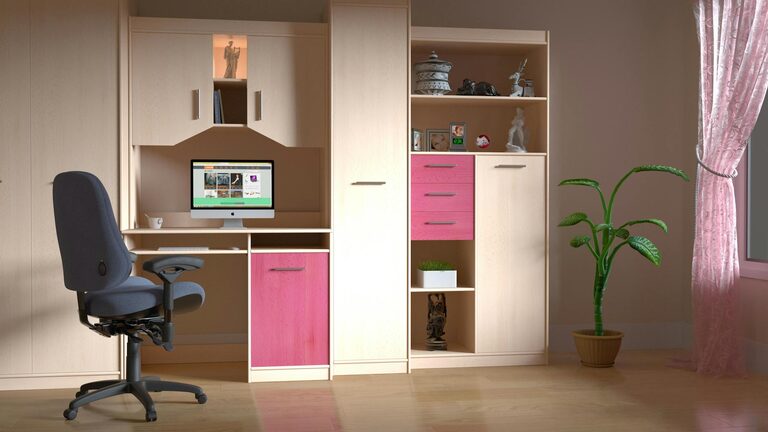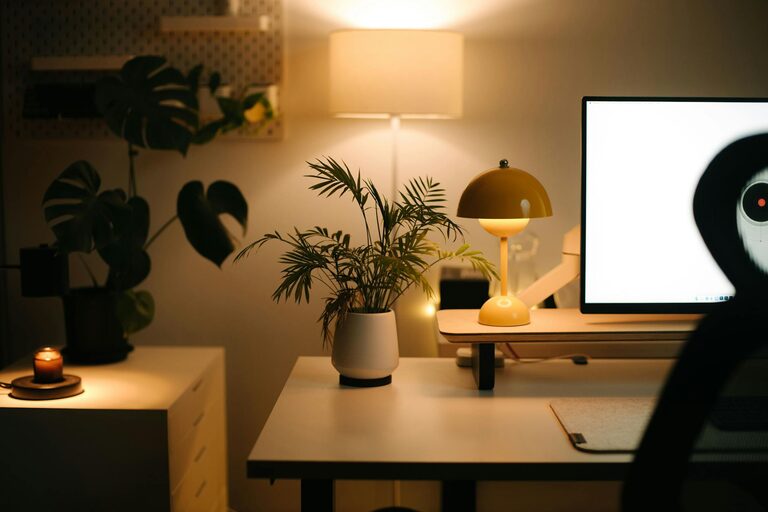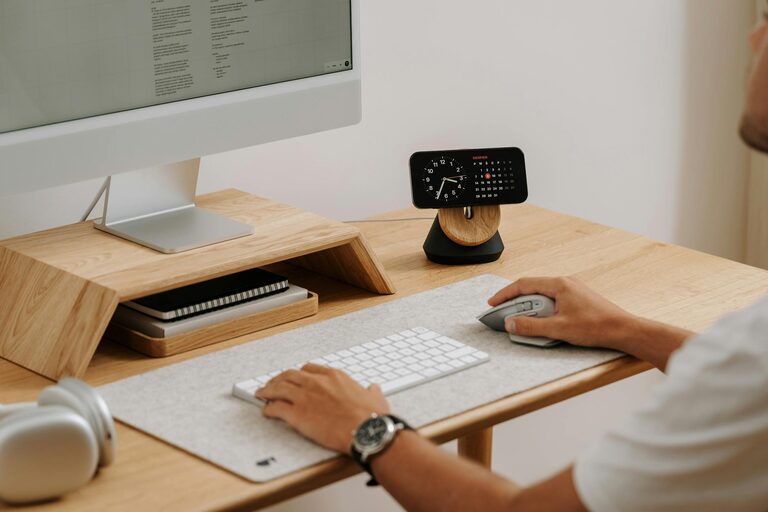

Creating a cozy and functional home workspace is essential for anyone who spends significant time working from home. A well-designed workspace can boost productivity, reduce stress, and make your workday more enjoyable. Whether you have a dedicated room or just a small corner to set up, these tips will help you build an environment that supports your work while feeling inviting and comfortable.
Choose the Right Location
Finding the perfect spot for your workspace is the first step. Consider these factors when selecting your area:
– Natural light: Position your desk near a window if possible to take advantage of natural daylight. This can improve mood and reduce eye strain.
– Quiet environment: Pick a space with minimal distractions and noise to help maintain focus.
– Space availability: Ensure there is enough room for your desk, chair, and any necessary equipment without feeling cramped.
Even if space is limited, a well-thought-out corner can become a highly effective workstation.
Invest in Ergonomic Furniture
Comfort is key to maintaining productivity and avoiding fatigue. Ergonomic furniture offers support and helps you maintain good posture.
– Chair: Choose an adjustable chair with lumbar support that encourages proper spine alignment.
– Desk: An adjustable desk height or sit-stand desk allows you to alternate between sitting and standing, promoting better circulation.
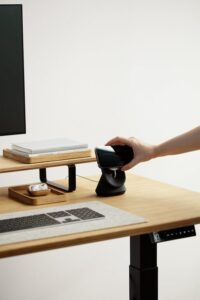
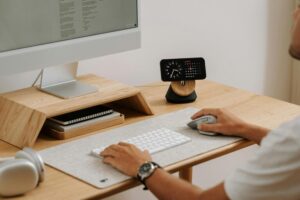
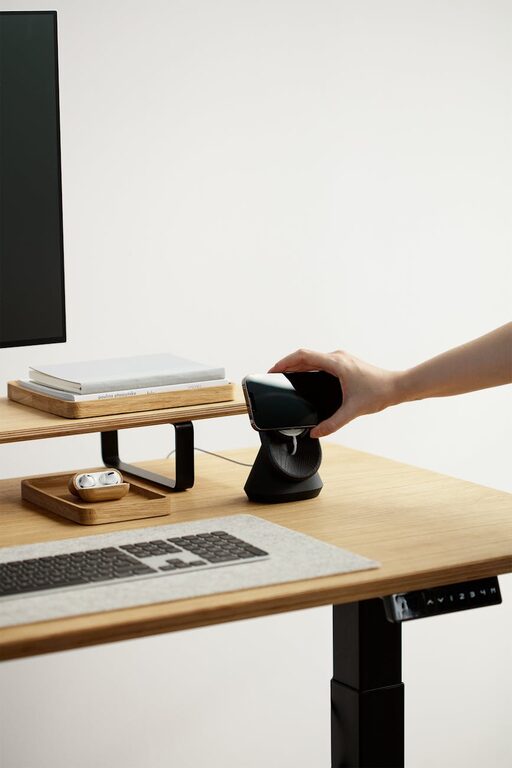
– Accessories: Use a keyboard tray, monitor risers, or footrests to keep everything comfortably positioned.
Ergonomic furniture may be an investment, but it pays off through improved comfort and health.
Declutter and Organize
A tidy workspace helps clear your mind and keeps you focused.
Tips for organizing your desk:
– Use organizers, trays, or drawers to keep pens, paper, and other supplies within reach but out of sight.
– Limit decorations to a few meaningful items to avoid distractions.
– Establish a daily routine for tidying your space at the end of the workday.
Keeping cables managed with clips or sleeves also reduces clutter and tripping hazards.
Enhance Lighting
Good lighting reduces eye strain and creates a welcoming atmosphere.
– Combine natural daylight with adjustable artificial lighting.
– A desk lamp with adjustable brightness and color temperature provides focused light for tasks.
– Avoid harsh overhead lighting that causes glare or shadows.
Consider warm light bulbs for a cozy feel, and position lights to minimize reflections on your screen.
Personalize Your Space
Adding personal touches can make your workspace feel inviting and motivating.
– Incorporate plants to bring life and improve air quality.
– Hang artwork or photos that inspire you.
– Use colors that promote calm and focus, such as soft blues or greens.
While personalization is important, keep it balanced to maintain a professional and distraction-free environment.
Use Technology Wisely
A functional workspace depends on reliable technology.
– Invest in a good-quality headset or microphone for calls.
– Ensure strong internet connectivity.
– Use a second monitor if needed to increase screen space.
– Set up charging stations for devices to avoid tangled cables.
Regularly update software and keep your digital files organized to streamline your workflow.
Create Zones and Establish Boundaries
If your workspace shares space with other activities, create zones to separate work from relaxation.
– Use room dividers, rugs, or shelving units to define your workspace.
– Set clear working hours to mentally transition between work and personal time.
– Communicate your schedule with household members to minimize interruptions.
Having clear boundaries helps maintain work-life balance and keeps your workspace dedicated to productivity.
Add Comfort Elements
Including comfort features makes spending long hours in your workspace more pleasant.
– A small cushion or lumbar pillow can enhance chair comfort.
– A cozy throw or blanket adds warmth during colder months.
– A water bottle nearby encourages hydration throughout the day.
Take regular breaks to stretch and move around to keep your body refreshed.
Keep Air Quality and Temperature in Mind
Good air quality and a comfortable temperature improve concentration and well-being.
– Open windows to allow fresh air circulation when possible.
– Use a small fan or space heater to regulate temperature.
– Consider an air purifier if your home environment has dust or allergens.
A fresh and comfortable atmosphere helps you stay alert and comfortable.
Final Thoughts
Designing a cozy and functional home workspace might take some experimentation, but the effort is worthwhile. Prioritize comfort, organization, and personalization to create a space that supports both your productivity and well-being. With the right balance, your home office can become a place you look forward to working in every day.