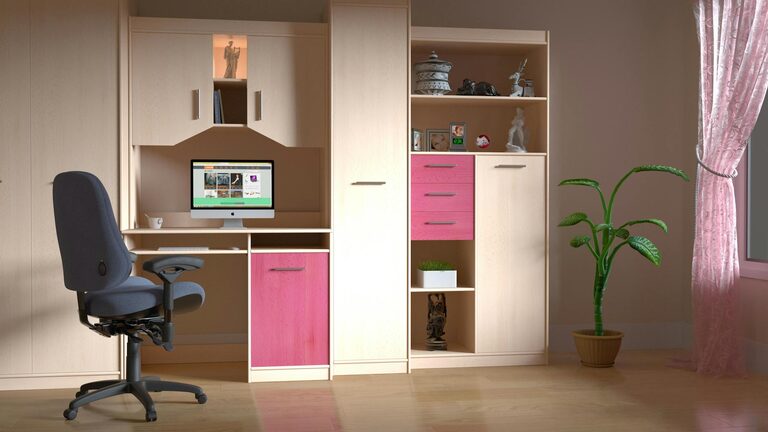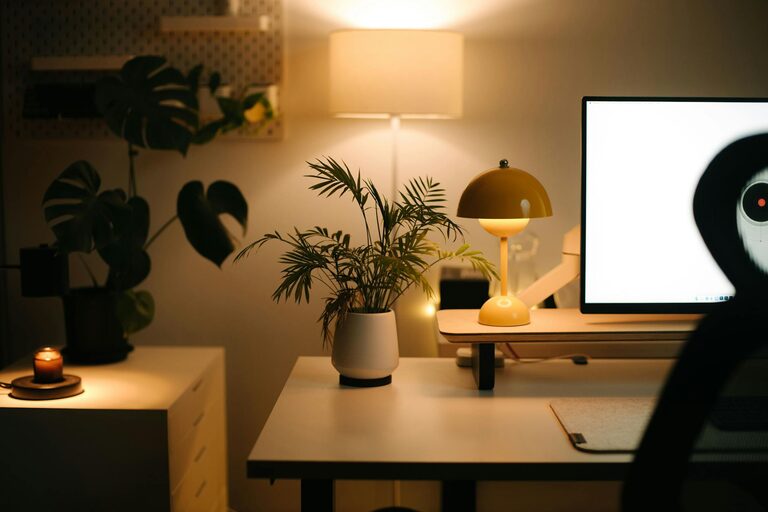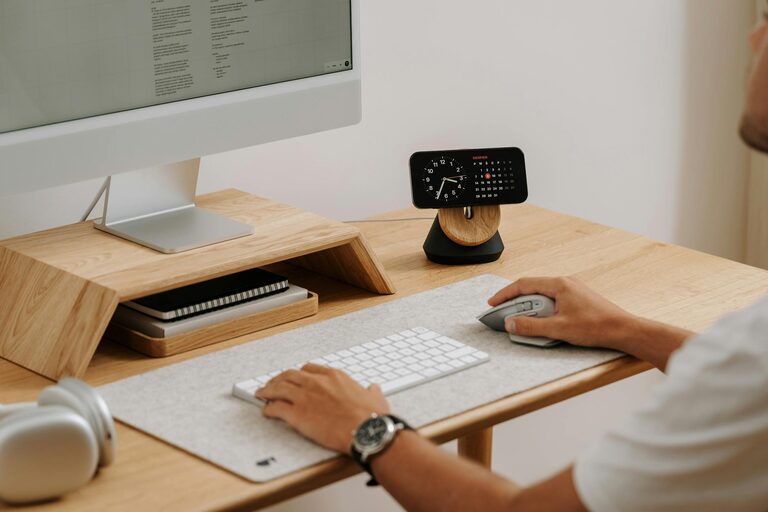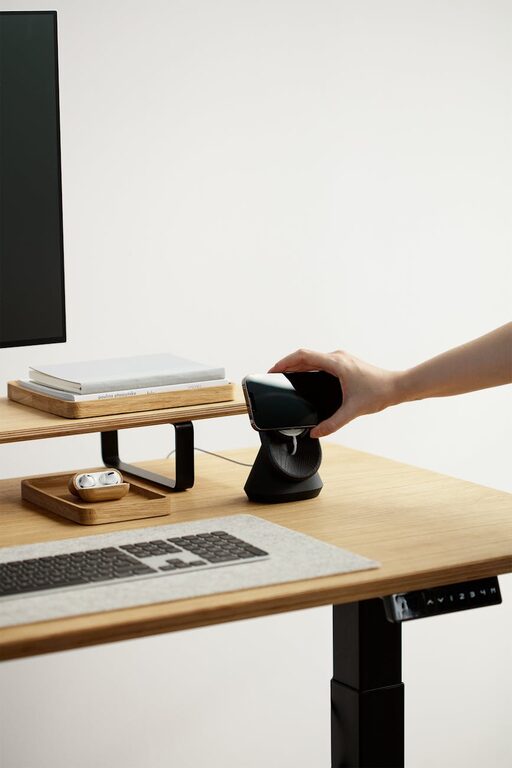


Creating a productive home office space can make a significant difference in how effectively you work and how much you enjoy your workday. Whether you’re working remotely full-time or just need a dedicated spot for occasional projects, designing a home office that supports focus and comfort is essential. Here are simple tips to help you create an ideal workspace right inside your home.
Choose the Right Location
Finding the perfect spot for your home office is the first step. Consider these factors:
– Low foot traffic: Pick a quiet corner away from busy areas like the kitchen or living room.
– Natural light: If possible, choose a space near a window for natural sunlight, which improves mood and reduces eye strain.
– Ventilation: Good airflow is important to stay refreshed throughout the day.
– Privacy: If you share your home, select a space where you can minimize interruptions.
If space is limited, even a small nook or a designated desk area can work well when set up thoughtfully.
Invest in Ergonomic Furniture
Comfort matters when you spend long hours working. Ergonomic furniture supports your posture and helps prevent discomfort or strain.
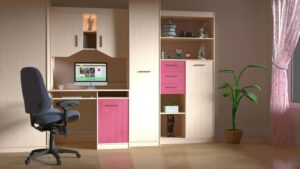
– Chair: Choose a chair with adjustable height, good lumbar support, and comfortable cushioning.
– Desk: Use a desk or table at a height that allows your forearms to rest parallel to the floor.
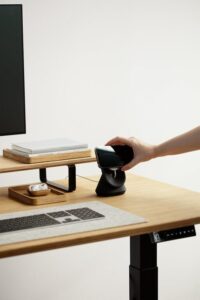
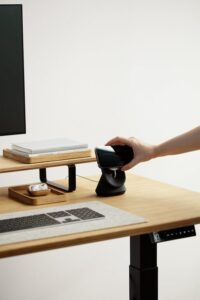
– Monitor stand: Elevate your screen to eye level to avoid neck strain.
– Keyboard and mouse: Position them to allow relaxed wrists and keep them close to avoid reaching.
Small adjustments can have a big impact on your physical well-being.
Keep Your Space Organized
An organized workspace reduces distractions and saves time. Here are organizational tips:
– Declutter regularly: Remove unnecessary items to create a clean environment.
– Use storage solutions: Shelves, drawers, and boxes help keep supplies neat and accessible.
– Cable management: Use clips or ties to keep cords tidy and prevent tangling.
– Minimal décor: A few meaningful decorations can make the space pleasant without overwhelming it.
Develop a habit of tidying up at the end of each day to maintain order.
Optimize Lighting
Proper lighting can reduce eye strain and improve focus. Follow these guidelines:
– Natural light first: Arrange your desk near a window but avoid glare on screens.
– Task lighting: Use an adjustable desk lamp for focused lighting on documents or keyboards.
– Ambient light: Ensure overall room lighting is bright enough to avoid harsh contrasts.
– Avoid screen glare: Position monitors perpendicular to windows or use blinds to control brightness.
Good lighting supports productivity and comfort throughout your workday.
Personalize Your Workspace Thoughtfully
Adding personal touches can boost motivation but keep simplicity in mind.
– Inspiring artwork: Choose calming or motivating images to decorate your walls.
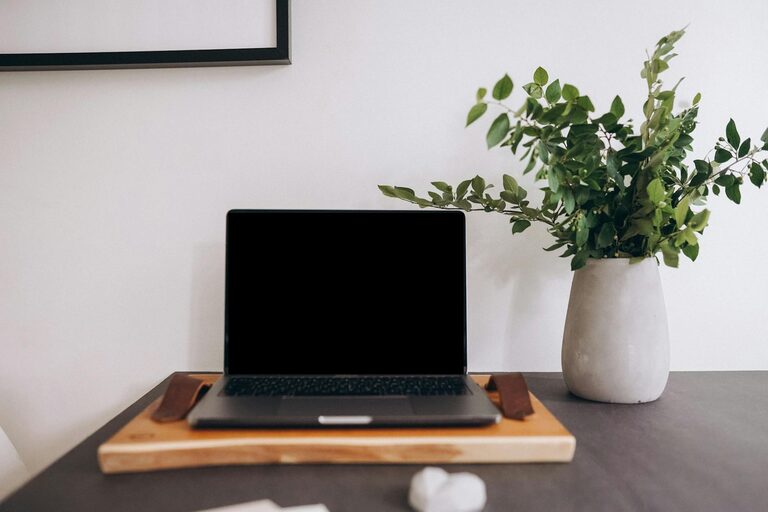
– Plants: Small indoor plants enhance air quality and add vibrancy.
– Photos: A few family or travel photos can make the space feel welcoming.
– Scent: A subtle candle or diffuser with your favorite scent can create a pleasant atmosphere.
Aim for a balance between personalization and distraction-free focus.
Establish a Routine
Your workspace is only as effective as the habits you build around it.
– Set working hours: Define start and end times to separate work from personal life.
– Take breaks: Stand, stretch, and move regularly to prevent fatigue.
– Limit distractions: Use noise-canceling headphones or white noise apps if needed.
– Prepare for the day: Keep your workspace ready by reviewing tasks and organizing materials the night before.
Consistent routines reinforce productivity and help maintain a healthy work-life balance.
Use Technology Wisely
Technology can enhance your efficiency if used well.
– Reliable internet: Ensure your connection is fast and stable to avoid disruptions.
– Productivity apps: Use calendars, to-do lists, and project management tools to stay organized.
– Ergonomic peripherals: Consider wireless keyboards or mice to free up space.
– Backup solutions: Automatically back up your work to prevent data loss.
Choosing the right tools and keeping them updated helps maintain smooth daily operations.
Maintain Cleanliness and Comfort
A clean, comfortable environment is inviting and reduces stress.
– Regular cleaning: Dust and wipe surfaces weekly.
– Temperature control: Keep your room at a comfortable temperature, using fans or heaters if needed.
– Refresh air: Open windows when possible or use an air purifier.
– Comfort items: A cushion, footrest, or blanket can add cozy touches.
Comfort and cleanliness contribute to a productive mindset.
—
In conclusion, creating a home office that encourages productivity doesn’t require a large space or expensive equipment. With thoughtful location selection, ergonomic furniture, good lighting, and organization, you can design a workspace that supports your best work. Remember to personalize your area thoughtfully and establish routines that help you stay focused and balanced. These simple tips will make your home office a place where productivity and comfort meet.