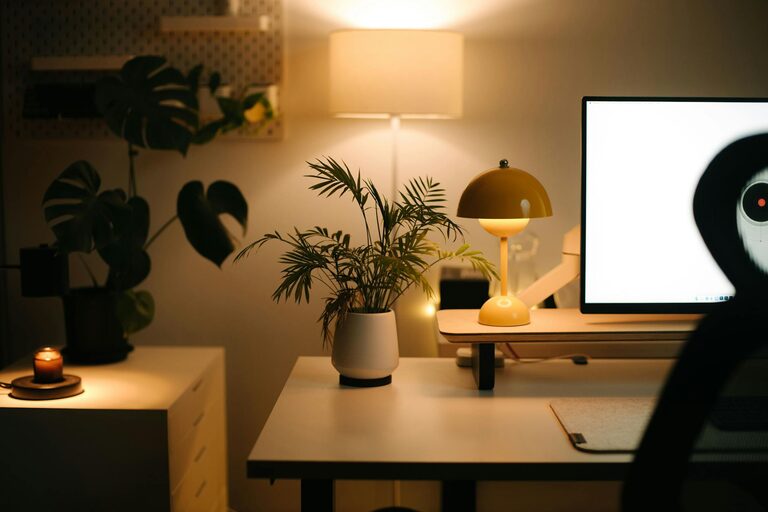
Creating a relaxing home workspace is essential for maintaining comfort and boosting productivity, especially as many people continue to work remotely. A well-designed workspace can reduce stress, improve focus, and make your workday more enjoyable. Whether you have a dedicated room or just a small corner, these tips will help you transform your space into a calm, inviting environment.
Why a Relaxing Workspace Matters
When your workspace is cluttered or uncomfortable, it can lead to distractions, fatigue, and even burnout. A relaxing environment helps your mind stay clear and your body feel supported, making it easier to stay productive throughout the day. By focusing on comfort, organization, and personal touches, you set yourself up for success.
Choose the Right Location
Find a Quiet Spot
Select a space in your home that is quiet and free from frequent interruptions. Try to keep your work area separate from high-traffic zones or noisy appliances. Ideally, you’ll have a dedicated room or nook that signals a transition to work mode.
Maximize Natural Light
Natural light can have a positive effect on your mood and alertness. Position your desk near a window if possible. If natural light is limited, use soft, adjustable lighting to reduce eye strain and create a warm ambiance.
Invest in Comfortable Furniture
Ergonomic Chair
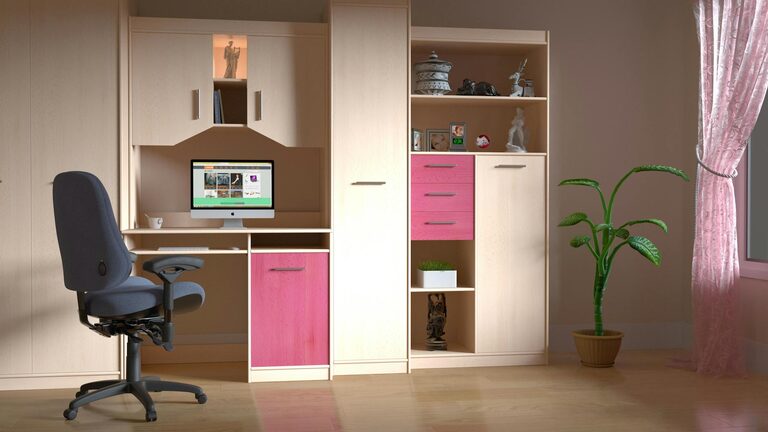
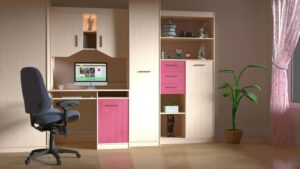
A supportive chair is one of the most important investments for a relaxing workspace. Look for one with adjustable height, lumbar support, and comfortable cushioning to protect your back during long hours of sitting.
Proper Desk Height
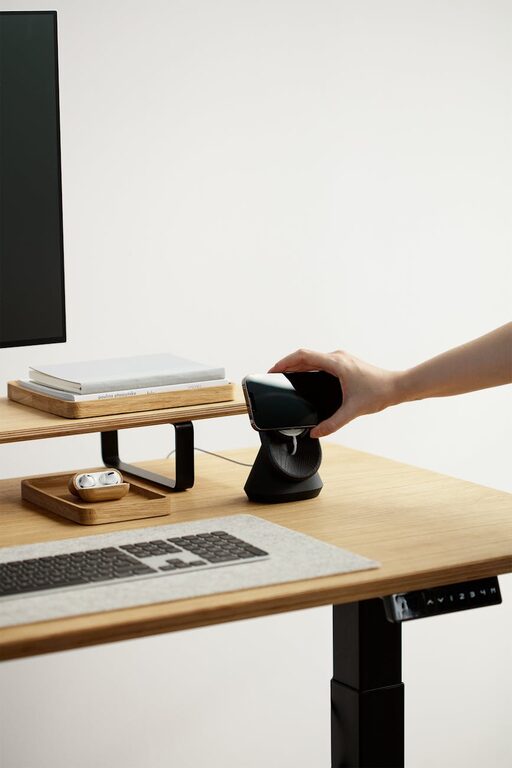
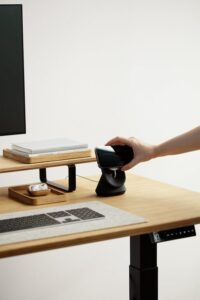
Choose a desk that fits your height and allows you to keep your arms at a 90-degree angle when typing. If a full desk isn’t an option, consider a standing desk converter to alternate between sitting and standing.
Keep Your Space Organized
Declutter Regularly
Remove unnecessary items and keep only the essentials on your desk. Use storage solutions like shelves, drawers, or boxes to tuck away supplies and paperwork. A clean workspace helps reduce mental clutter.
Use Cable Management
Tangled cords can create a messy, distracting environment. Use cable clips, ties, or sleeves to keep wires neat and prevent tripping hazards.
Add Calming Elements
Incorporate Plants
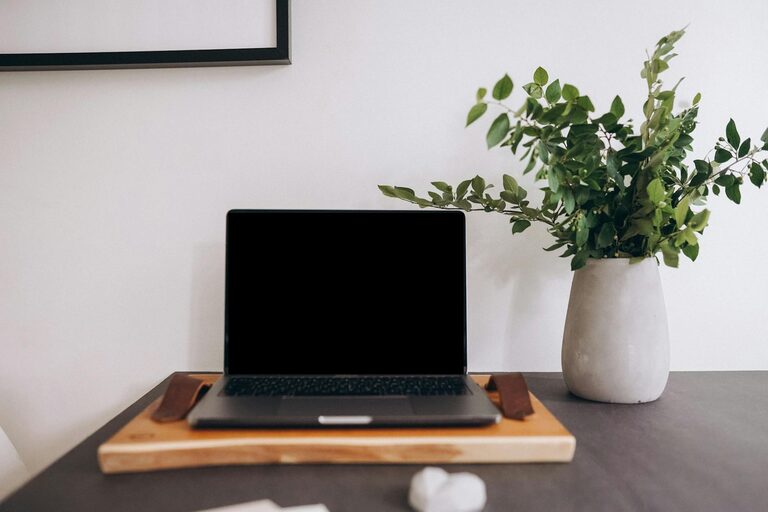
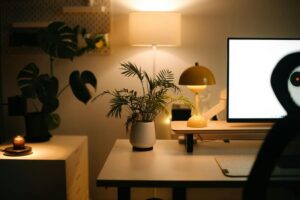
Plants not only improve air quality but also add a touch of nature that can reduce stress and increase focus. Choose low-maintenance plants like succulents or snake plants if you’re new to plant care.
Choose Soothing Colors
Colors can influence mood and productivity. Soft blues, greens, and neutrals tend to create calming atmospheres. Paint your workspace walls or select accessories in these hues.
Use Aromatherapy
Scents like lavender, eucalyptus, or citrus can promote relaxation and alertness. Use essential oil diffusers or scented candles to gently fill your workspace with a pleasant aroma.
Personalize Your Workspace
Display Inspiring Items
Add photos, artwork, or motivational quotes that inspire you. Personal touches make your workspace feel welcoming and can boost your mood during challenging tasks.
Balance Technology and Comfort
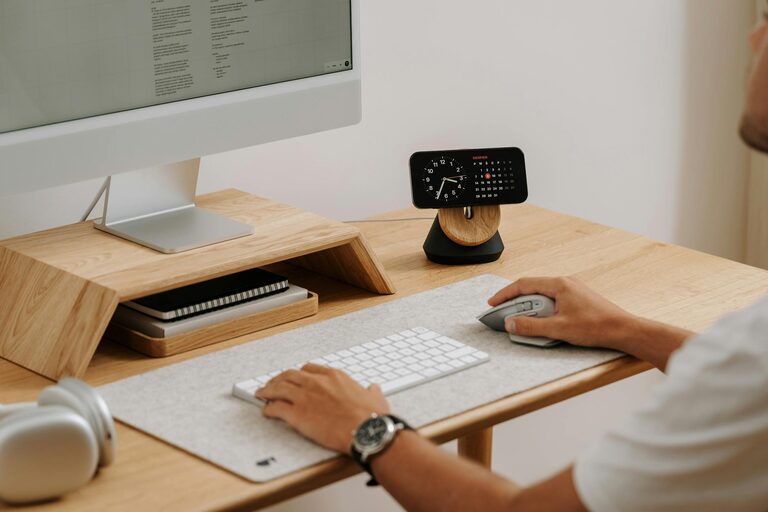
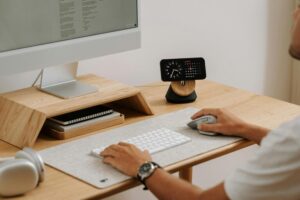
Ensure your computer, keyboard, and mouse are comfortable and efficient to use. Position your monitor at eye level to avoid neck strain. Investing in noise-cancelling headphones can also help maintain focus.
Develop Healthy Work Habits
Take Regular Breaks
Schedule short breaks throughout your day to stretch, hydrate, and rest your eyes. This helps prevent fatigue and preserves your concentration.
Encourage Movement
Consider standing while making calls or stretching periodically. Movement encourages blood flow and reduces physical tension associated with sitting for long hours.
Maintain Good Air Quality
Ventilation
Keep your workspace well-ventilated by opening windows or using an air purifier. Fresh air helps keep your mind alert and reduces indoor pollutants.
Temperature Control
Maintain a comfortable temperature by adjusting your thermostat or using fans or heaters as needed. Being too hot or too cold can distract from your productivity.
Final Thoughts
Designing a relaxing home workspace is a valuable step toward improving your work-from-home experience. By focusing on comfort, organization, natural light, and personal touches, you can create an environment that supports well-being and productivity. Remember, your workspace should work for you — feel free to adapt these tips to fit your unique needs and preferences.